Personalized Print-on-Demand Workflow: From Customer Upload to Print-Ready File
A practical workflow for personalized POD orders: intake, artwork checks, background removal, resizing, proofing, file naming, and fulfillment handoff.
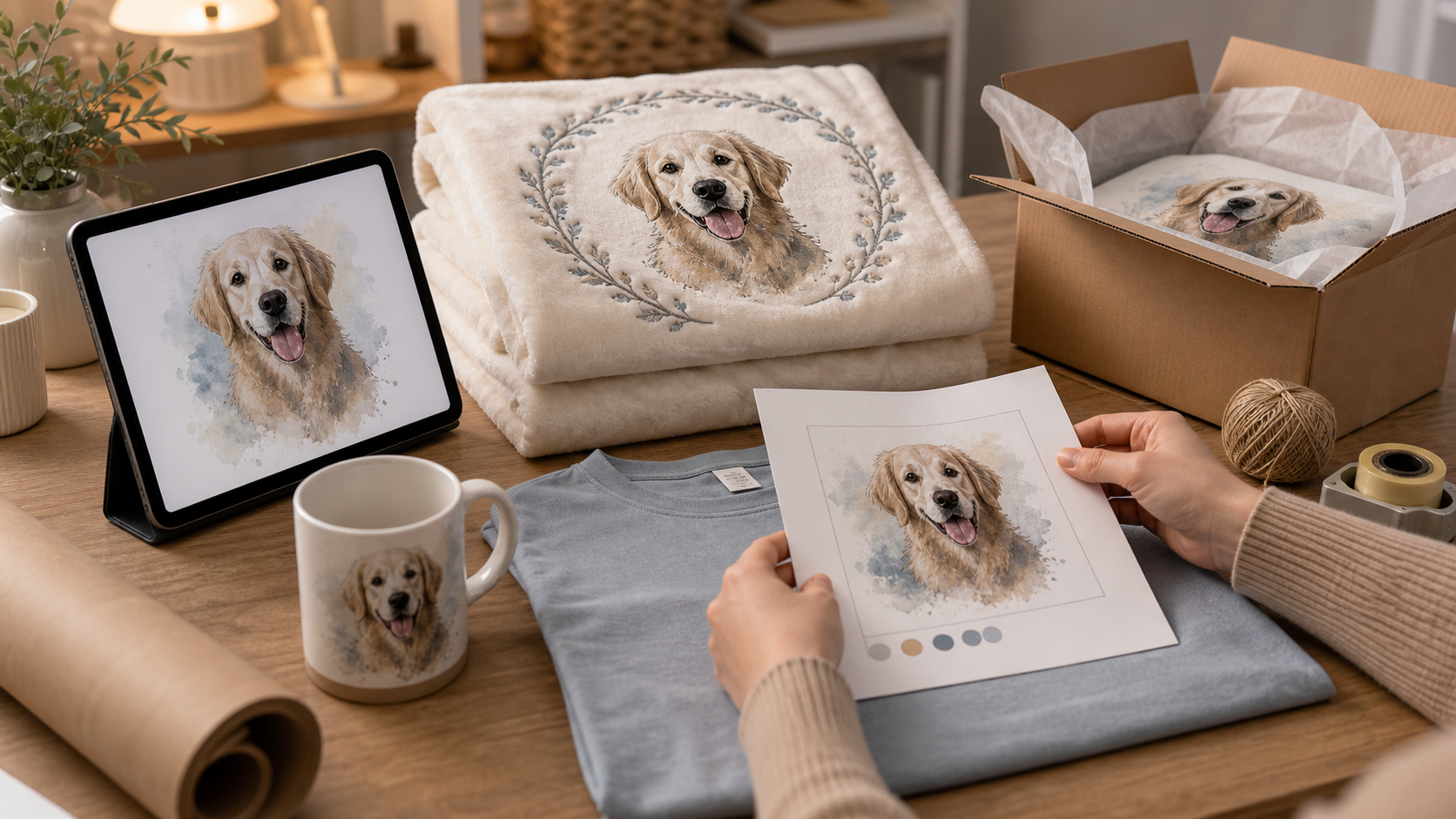
Who this is for
POD sellers handling custom images, names, dates, pets, and buyer-provided artwork.
Search intent
Someone needs a repeatable workflow for personalized print-on-demand orders.
Why this matters now
- Personalized products can sell well but create operational stress.
- Customer uploads often need cleanup, resizing, background removal, and proofing.
- A clear workflow reduces mistakes before the order reaches production.
The hidden work in personalization
A personalized order looks simple to the buyer, but the seller may need to inspect the upload, clean the background, fit the artwork to the product, export the correct file, and store the proof.
Without a system, every order becomes a custom emergency. That is where errors happen: wrong file, wrong size, missing text, or a proof that cannot be found later.
A cleaner order flow
Start with intake. Capture the buyer text, uploaded file, product type, order number, and any special instructions in one place.
Next run artwork checks: resolution, transparency, obvious copyright risk, readability, and whether the file fits the chosen product.
Then create a proof and a print-ready export. Store both with consistent names so support, production, and future edits are easier.
Where automation fits
Automation can create folders, rename files, run background removal, generate proof previews, and mark the order status.
The seller should still approve edge cases. Personalization is emotional. A buyer notices if a pet portrait, family name, or memorial product is wrong.
Practical checklist
- Capture order details in one intake record.
- Check image resolution and transparency.
- Create a proof before production.
- Use consistent file names.
- Keep a human approval step for custom artwork.
Where iScaleXchange fits
iScaleXchange is a directory for builders, seller tools, automation projects, and product experiments. Use it to discover tools, follow coming-soon projects, leave comments, and watch how real builder workflows turn into products.
Related iScaleLabs tools and projects to watch: AutoMerch, iScale Listings.
Next step
Explore current and coming-soon tools on iScaleXchange, or submit a tool if you are building something useful for sellers, creators, AI builders, or ecommerce operators.